Features
A closer look at how NotePond helps you write freely, keep your files tidy and use AI only where it helps.
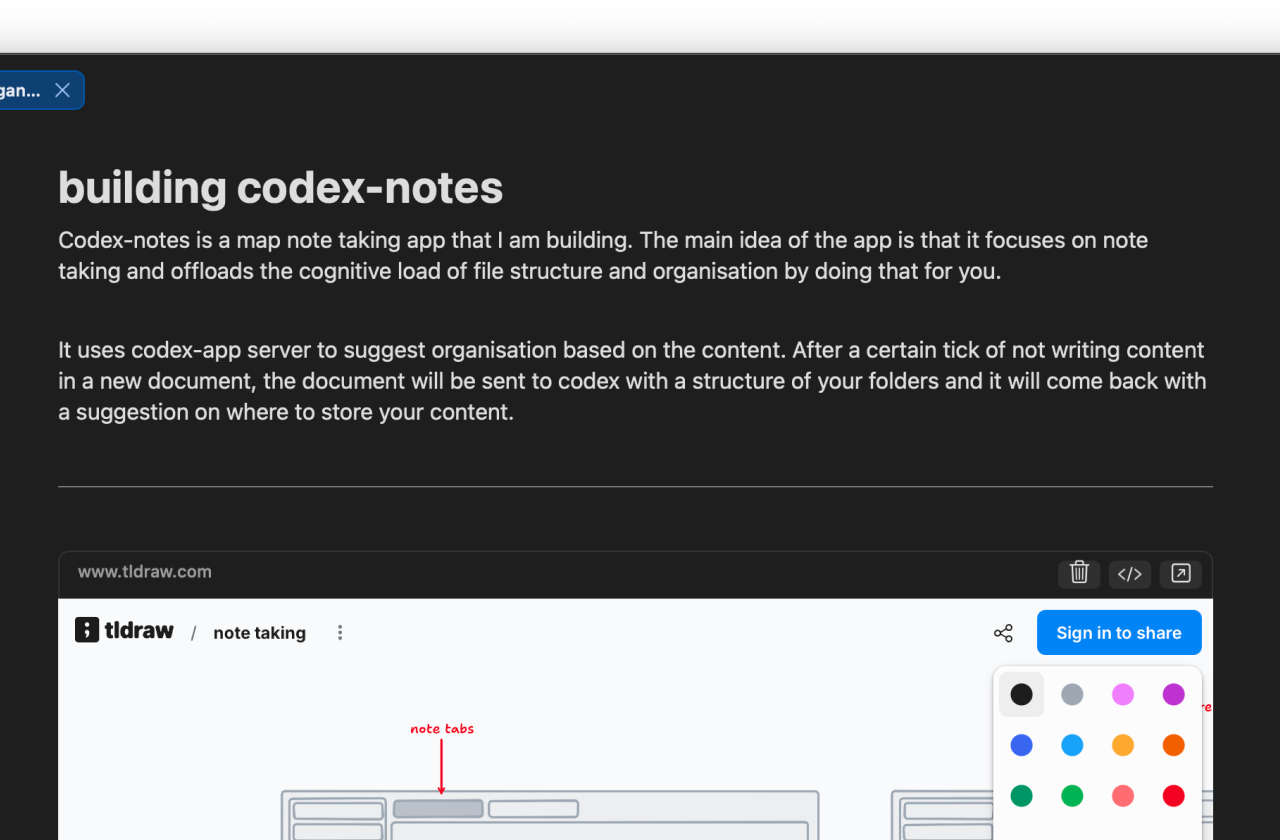
Write in Markdown
Create notes as ordinary .md files in a folder you control. Your writing stays portable, readable and easy to open in any editor.
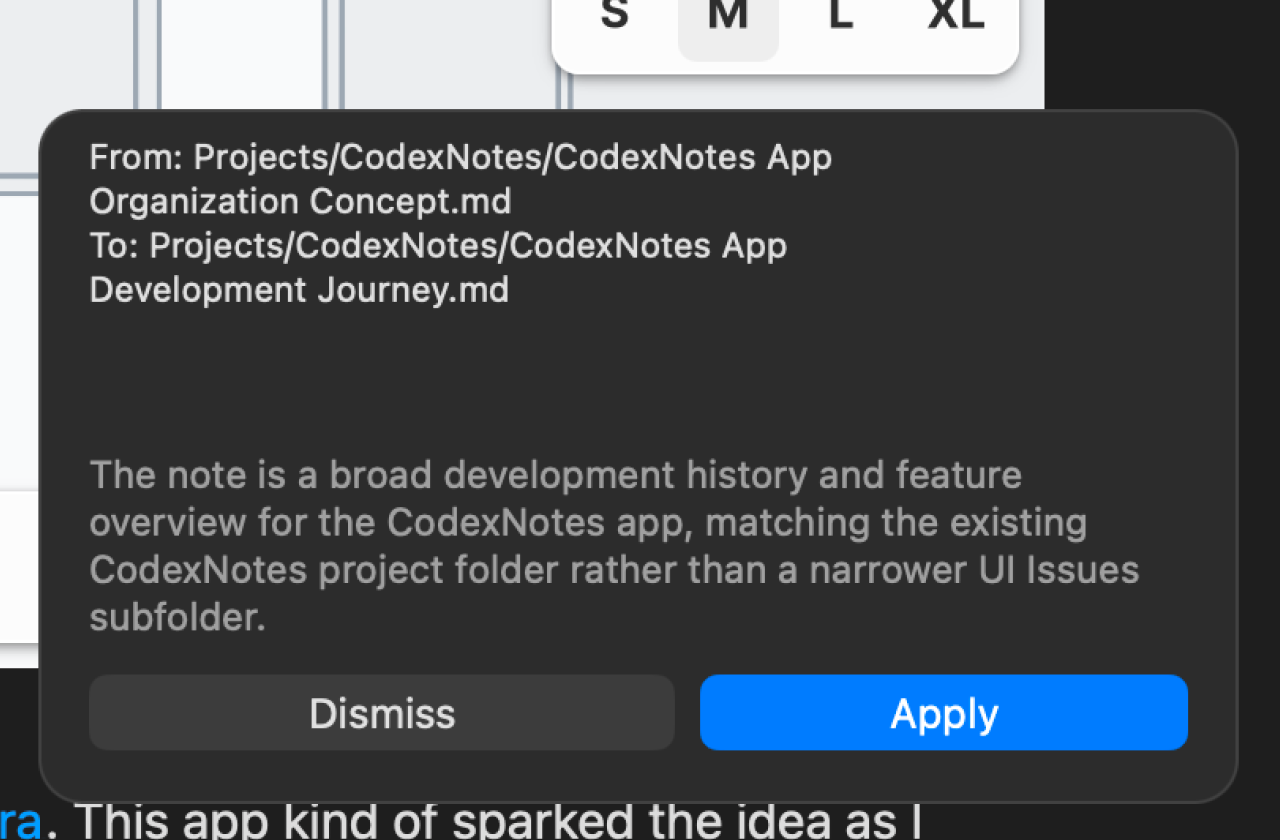
Organise automatically
Let Codex or OpenCode suggest a better filename and destination folder based on the note and the structure of your vault.
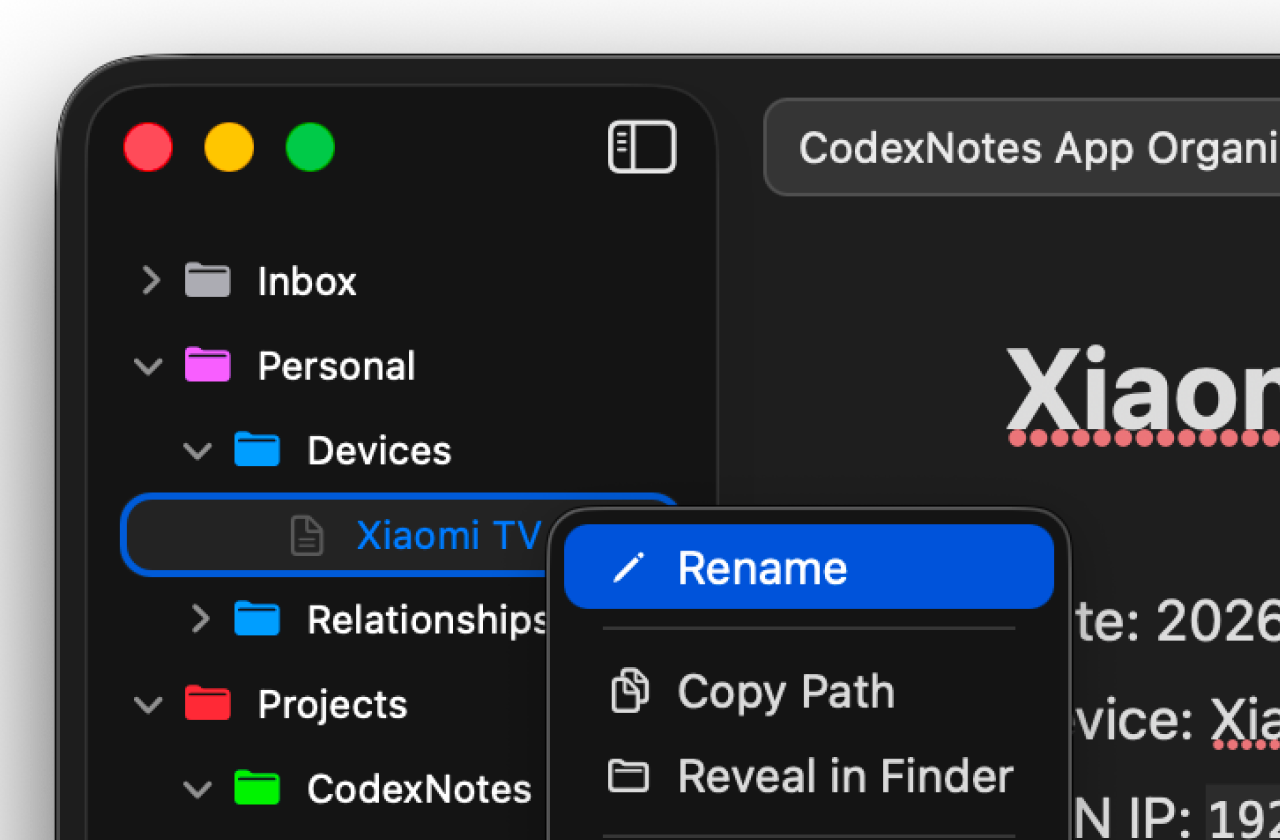
Browse your file tree
Create, rename, delete and move notes from a familiar sidebar with nested folders and colour-coded folder icons.
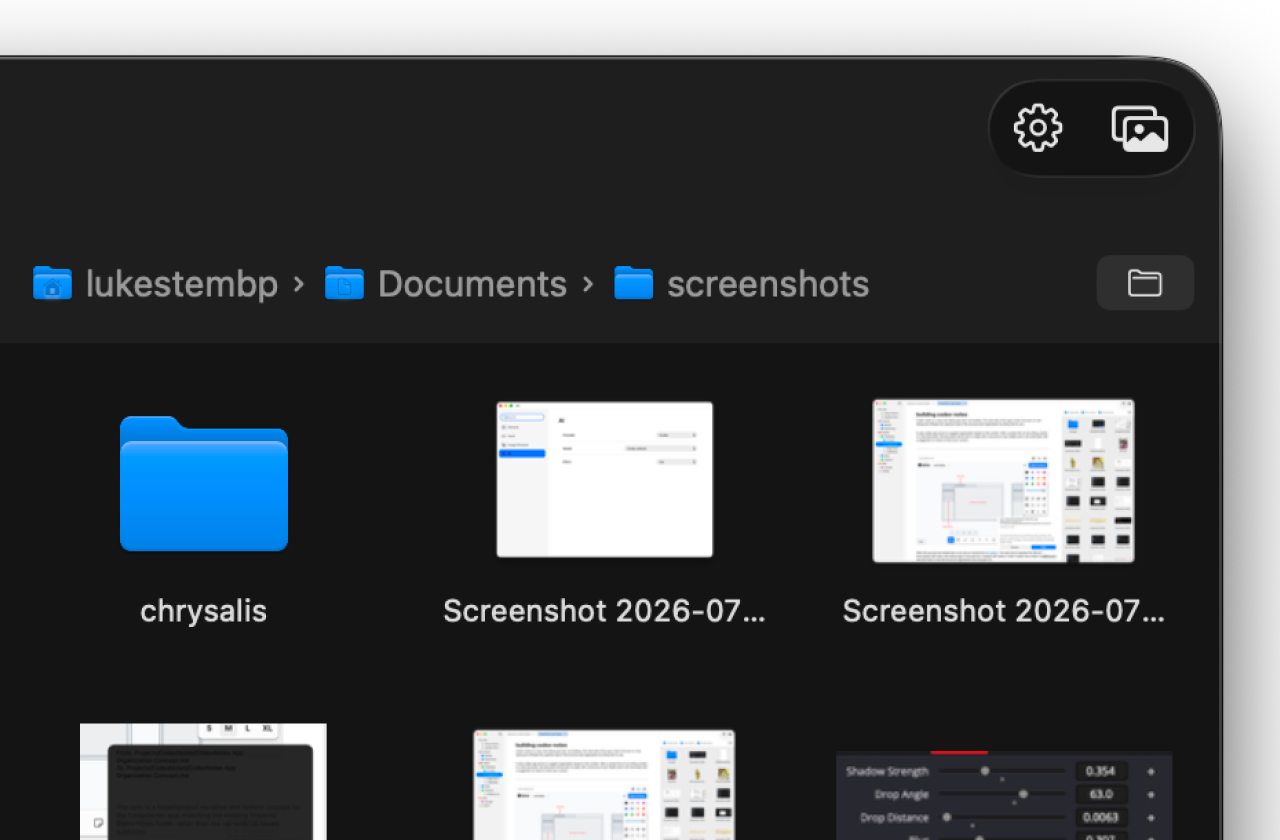
Work with images
Browse local image folders, drag images into notes and insert Markdown image references without leaving NotePond.
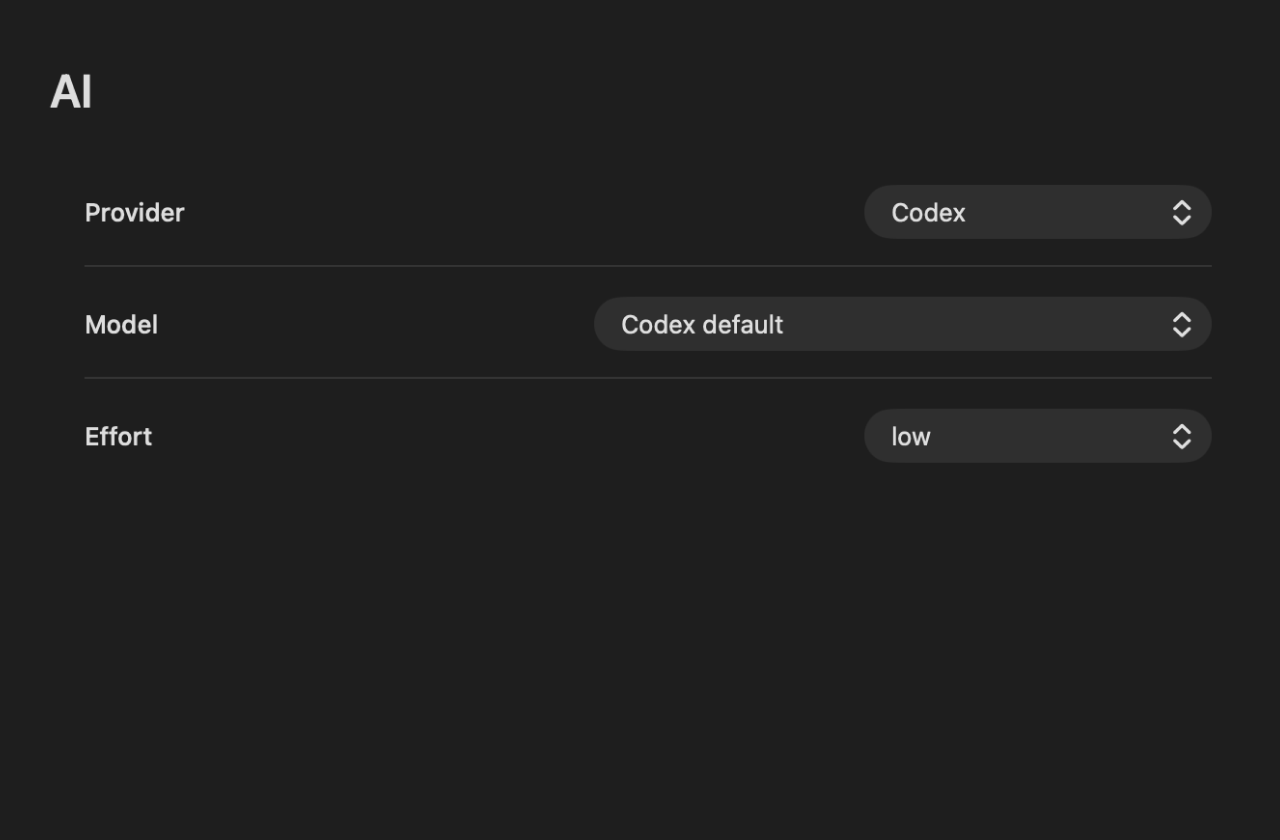
Use your preferred agent
Connect NotePond to Codex or OpenCode and choose the model and effort settings that fit your workflow.
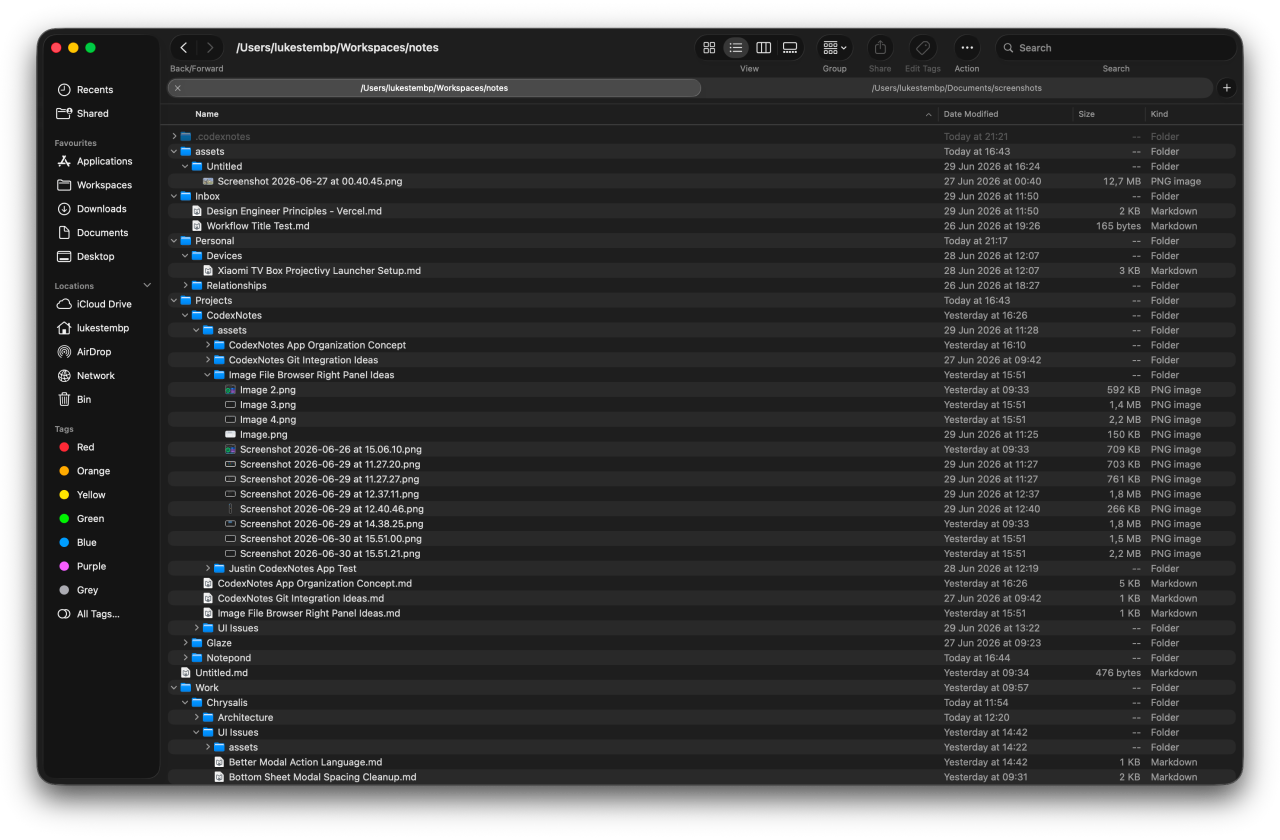
Stay local-first
Your notes remain regular files in your vault. Back them up, track them with Git or move the whole folder whenever you like.